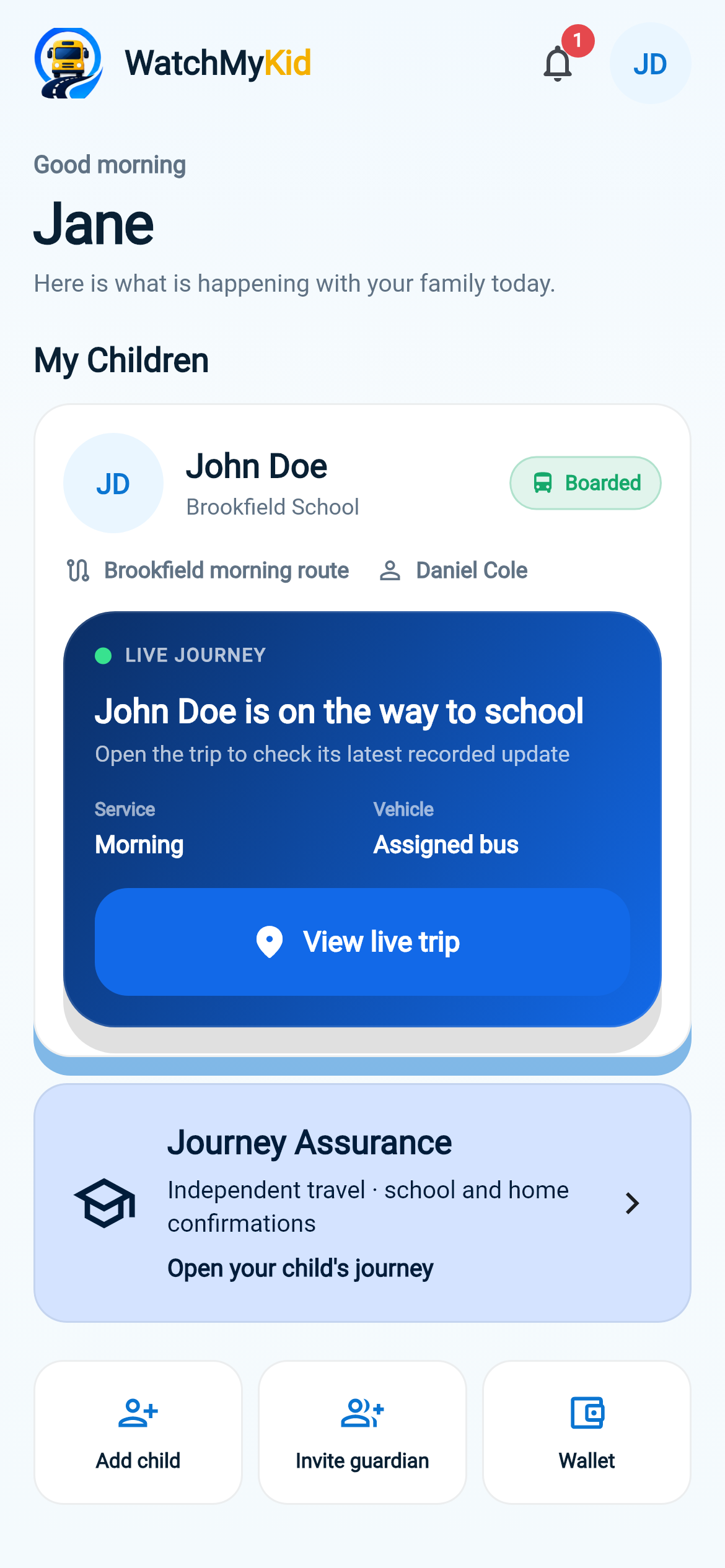
These are the existing official APK addresses. Screens illustrate the app experience using fictional account data; availability depends on the published version. No iPhone download is provided here.
A FEW SIMPLE STEPS
From download to connected.
Use your Android phone. Keep the existing app installed unless RouteEd support specifically advises otherwise.
01
Choose your app.
Use the family or driver download button above. Check that the download address is on app.routeed.com.
02
Review Android’s prompt.
Open the downloaded APK. If prompted, allow installation from the browser you used only if you trust this official source. Do not disable device-wide security protections.
03
Install, then sign in.
Review the app details shown by Android. Use your existing family account or the driver account approved by your school. Never share passwords or verification codes.
04
Confirm your school connection.
Follow the school’s linking and approval process. If expected children or school information are missing, ask the school to confirm access rather than creating duplicate accounts.
These downloads are Android APK files and cannot be installed on iPhone. Ask RouteEd about current iPhone availability; this page does not provide an iOS download.
Why am I downloading an APK?
This page provides direct Android packages from RouteEd. Use these official addresses rather than an APK forwarded by an unknown person.
Android says the app was not installed. What next?
Do not uninstall your existing app or erase its data just to force an update. Check available storage and contact RouteEd with the exact message and your device model. Do not send passwords or children’s personal records.
Does downloading give me access to a school?
No. App installation and school access are separate. Families follow their school’s linking process; drivers need an approved account linked to a participating school.
What should I do about an urgent journey concern?
Contact the responsible school team immediately and follow the school’s escalation procedure. Do not wait for an app update when immediate action is needed.

 01 / FAMILY APP